Join free
Create your account and choose Solo teacher. Your workspace is ready at once.
A free workspace for independent teachers. Every student’s credits and lessons in one record, payments through Stripe, a booking page students use on their own, and answers from your own records when you ask.
$0 for Solo teachers, always. Nothing to trial, nothing to cancel.Free dancer access, sponsored by the World Dance Foundation
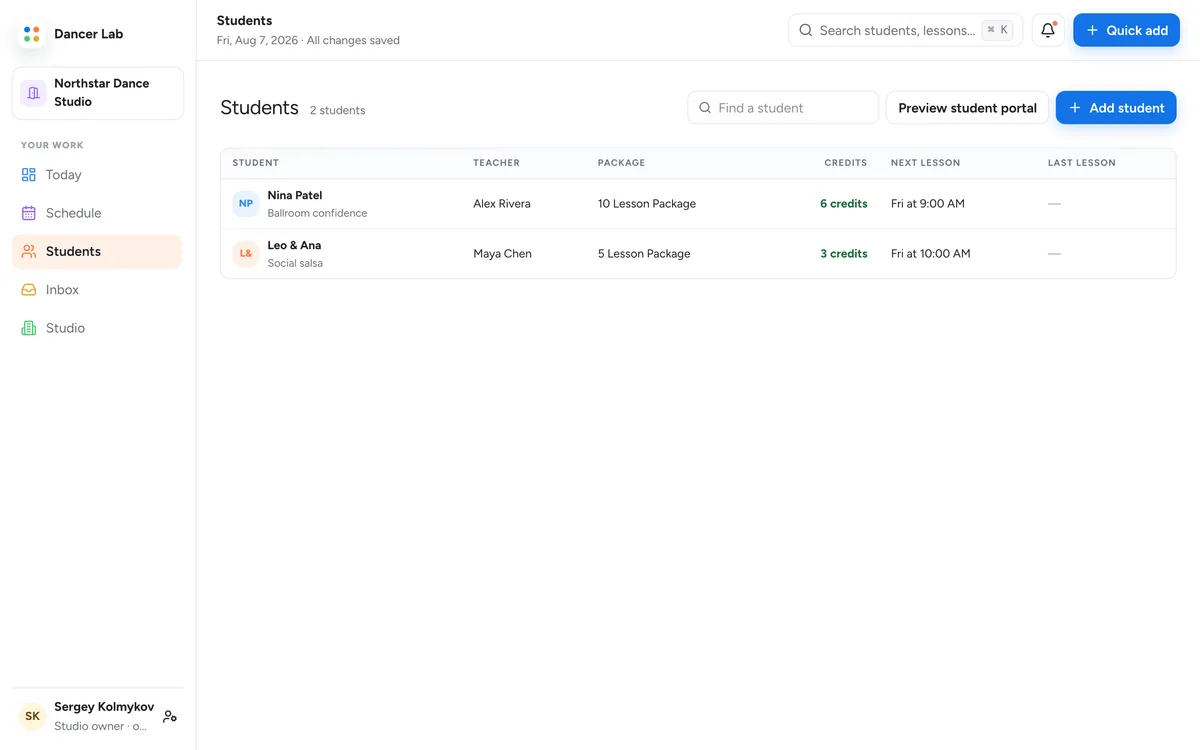
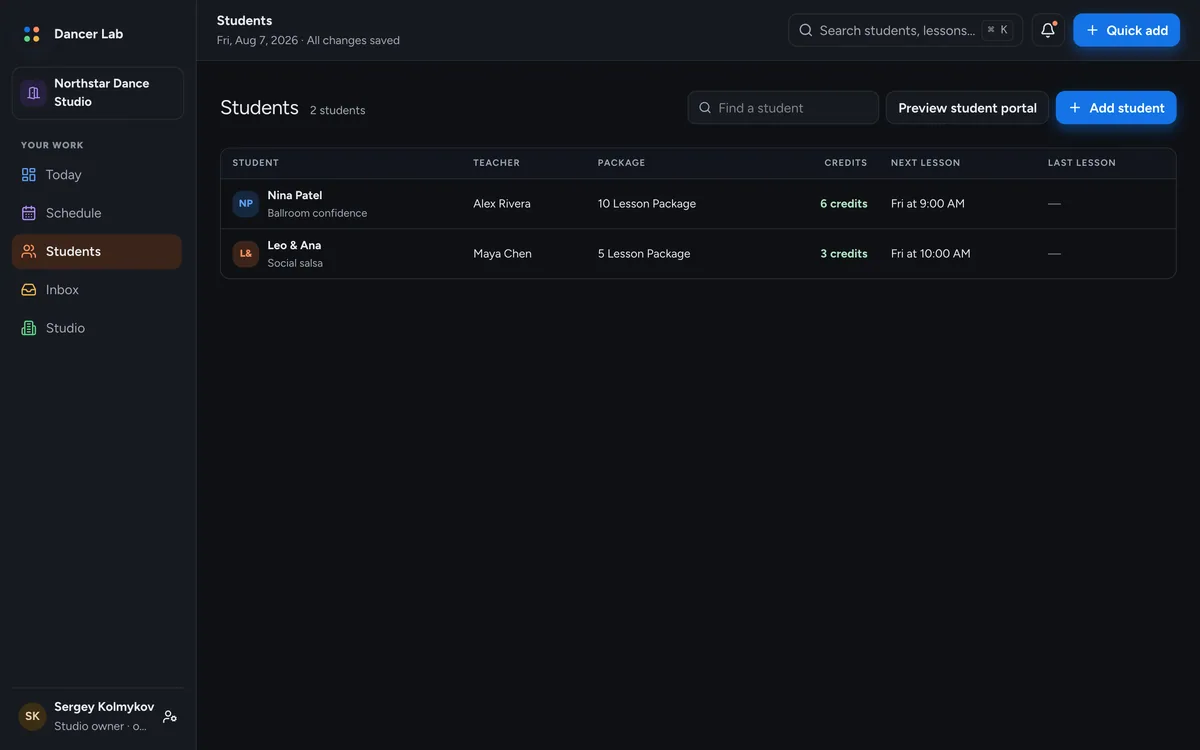
Frames come from a studio workspace. A Solo workspace shows the same views with one teacher: yours.
The parts of teaching that are not teaching, in one calm place.
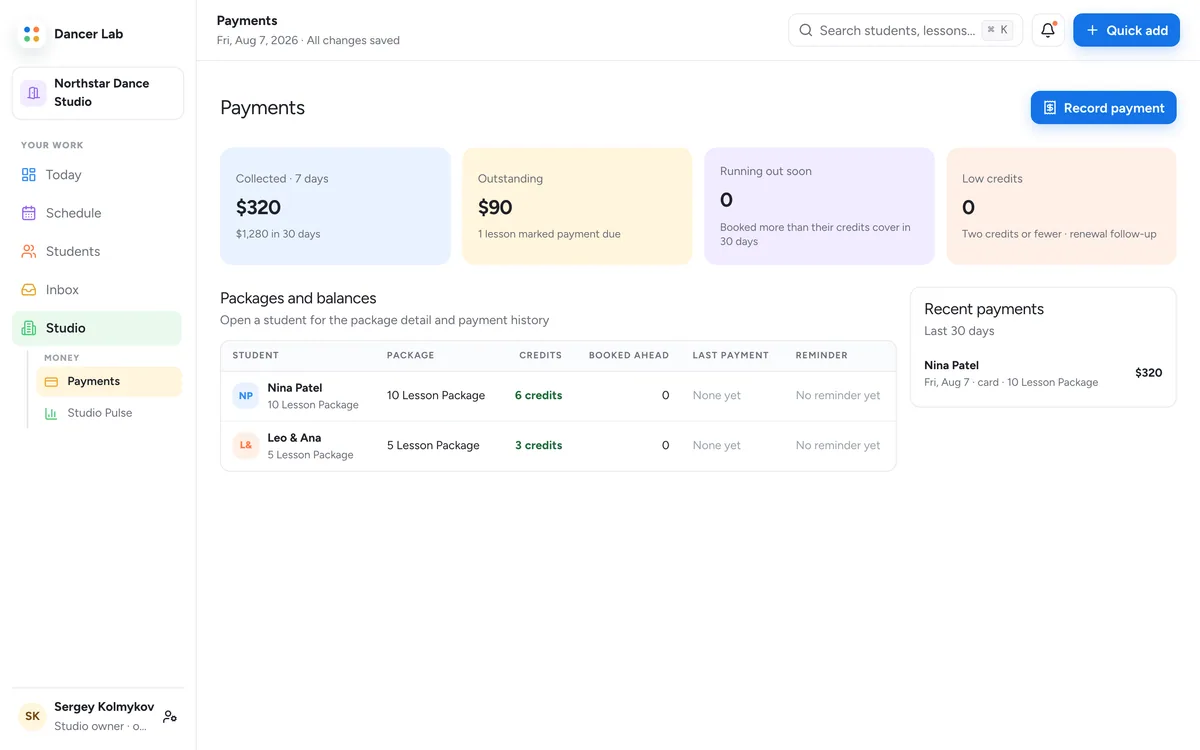
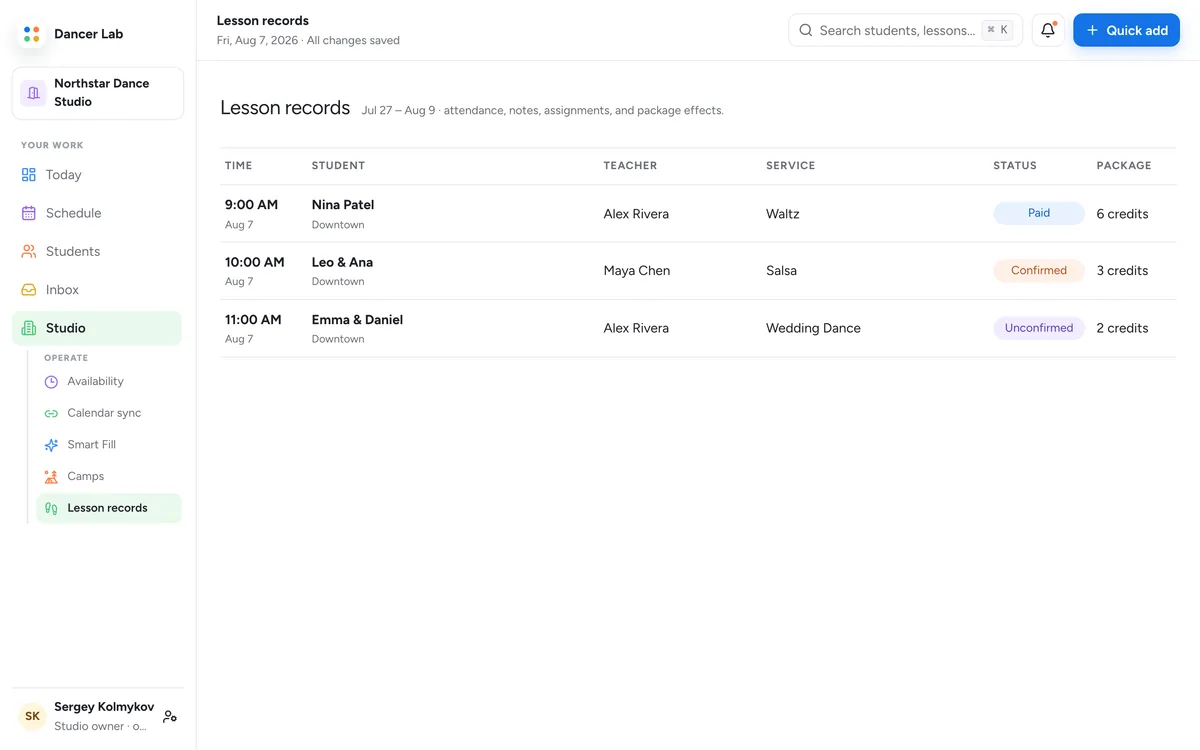
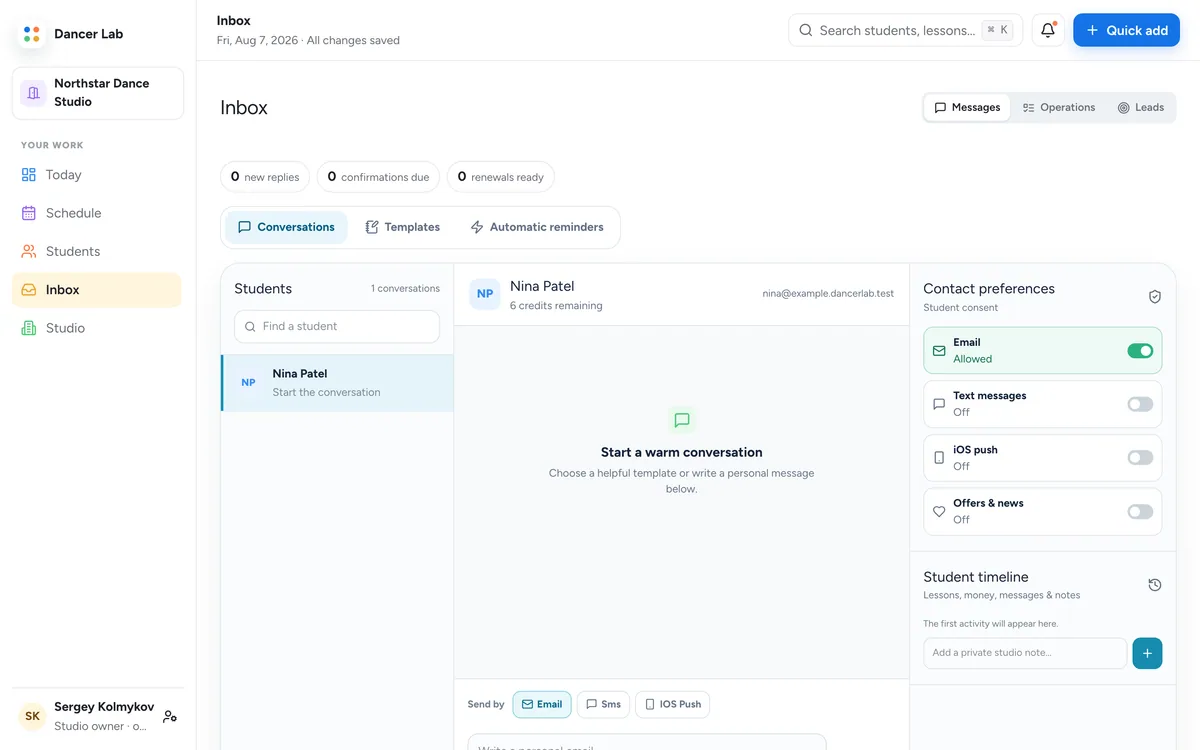
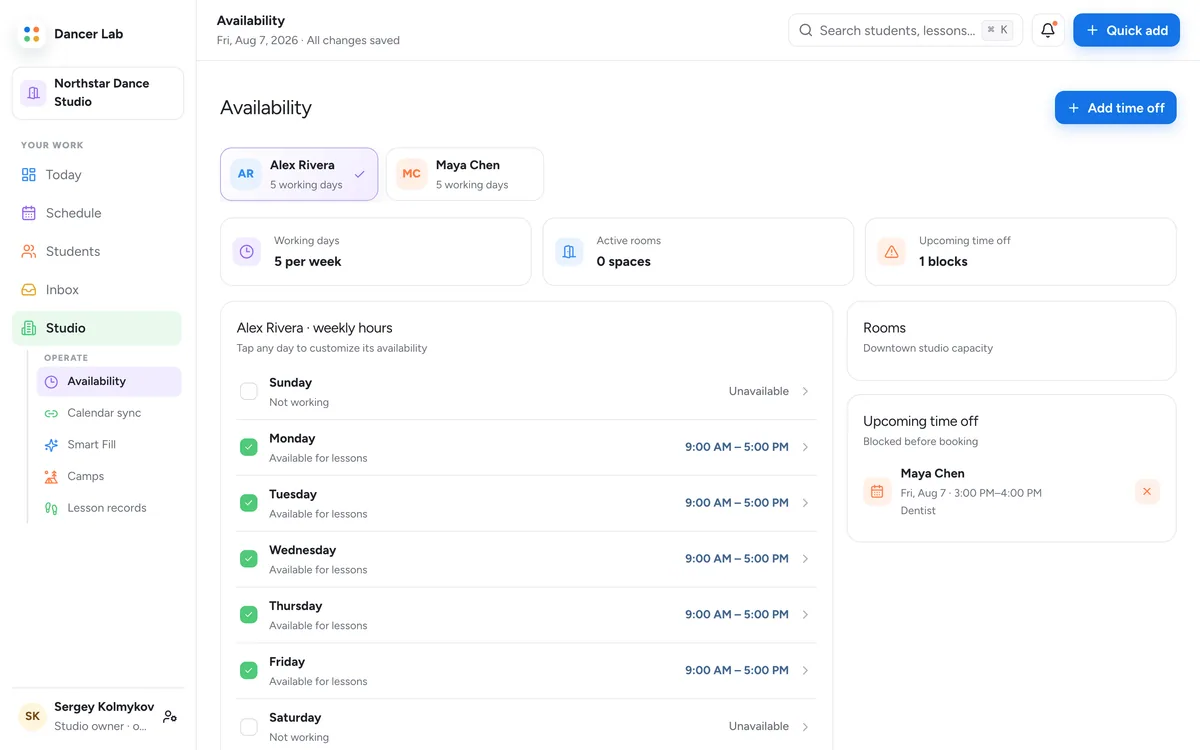
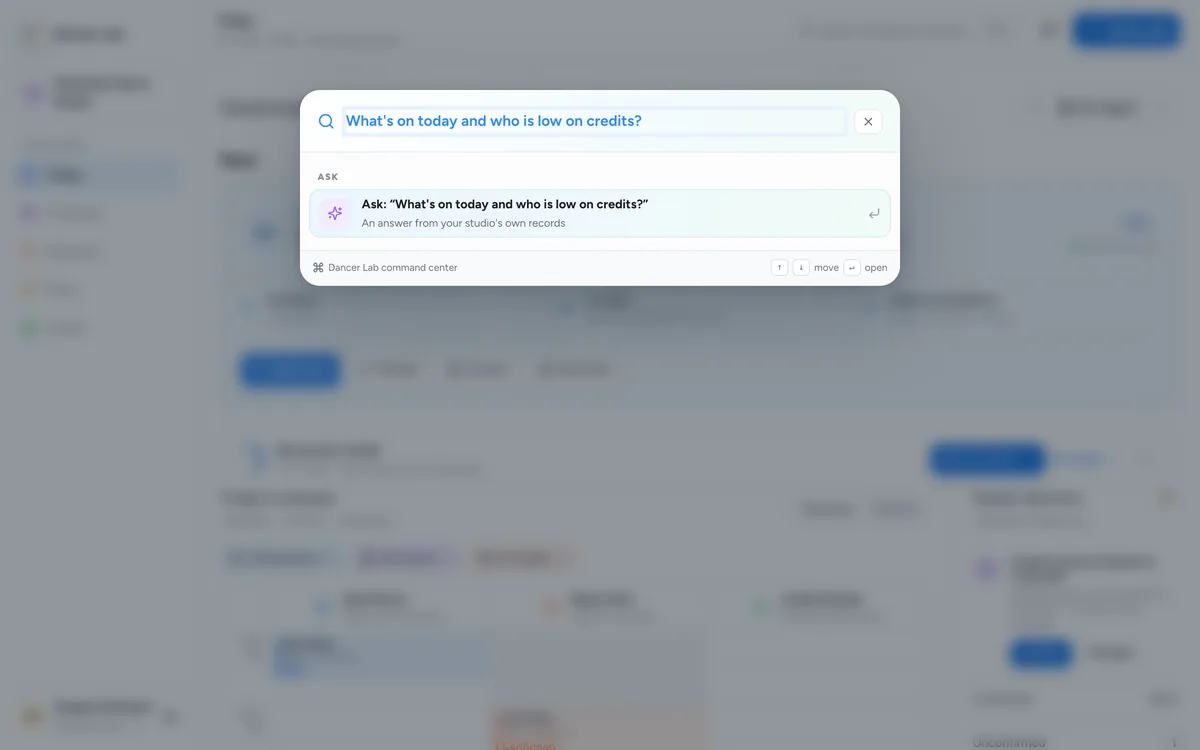
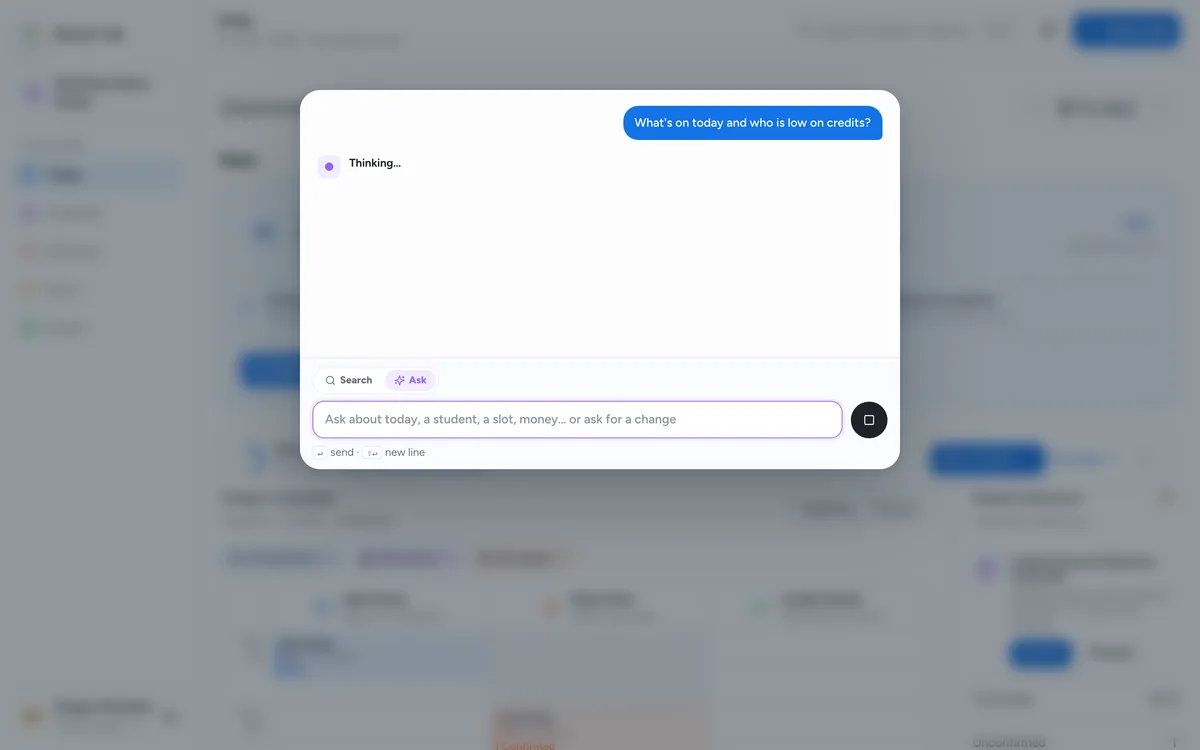
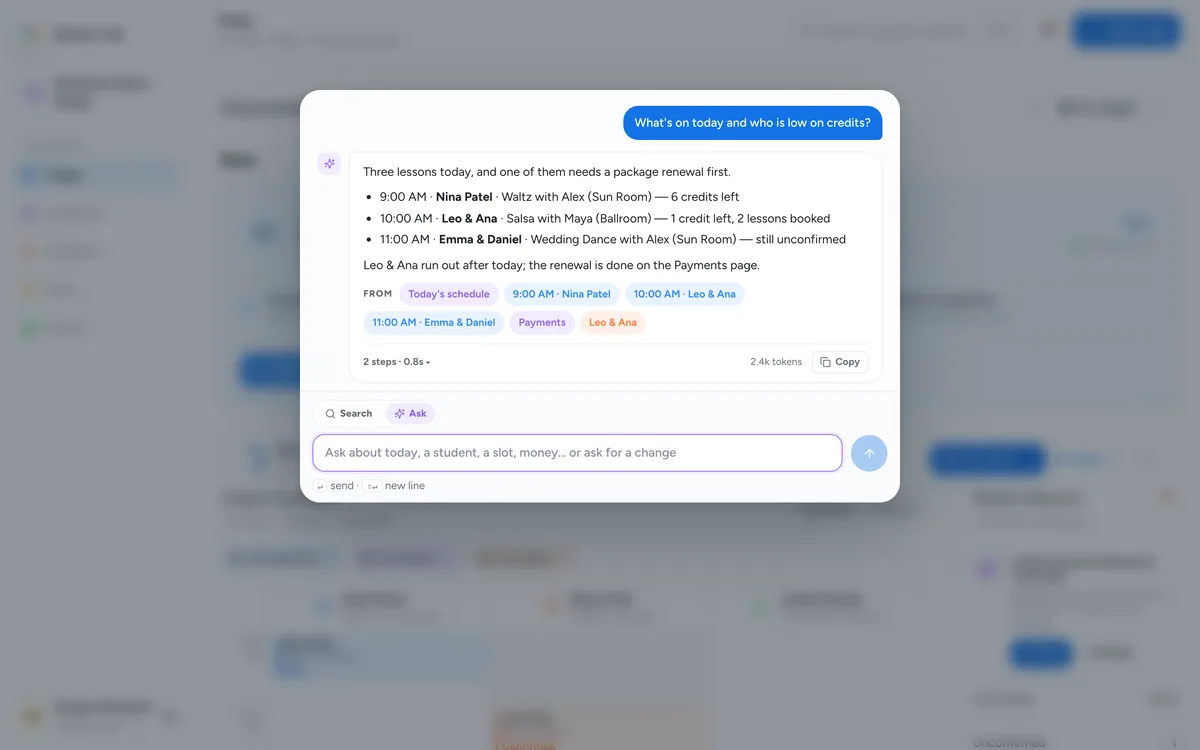
The assistant answers from your schedule, students and payments, and shows the records it used.
Three steps from sign-up to your first booking.
Create your account and choose Solo teacher. Your workspace is ready at once.
Your usual lesson length (40, 45 or 60 minutes), your rate, a travel buffer and the styles you teach.
Pick your public booking address and colour, then send students the link.
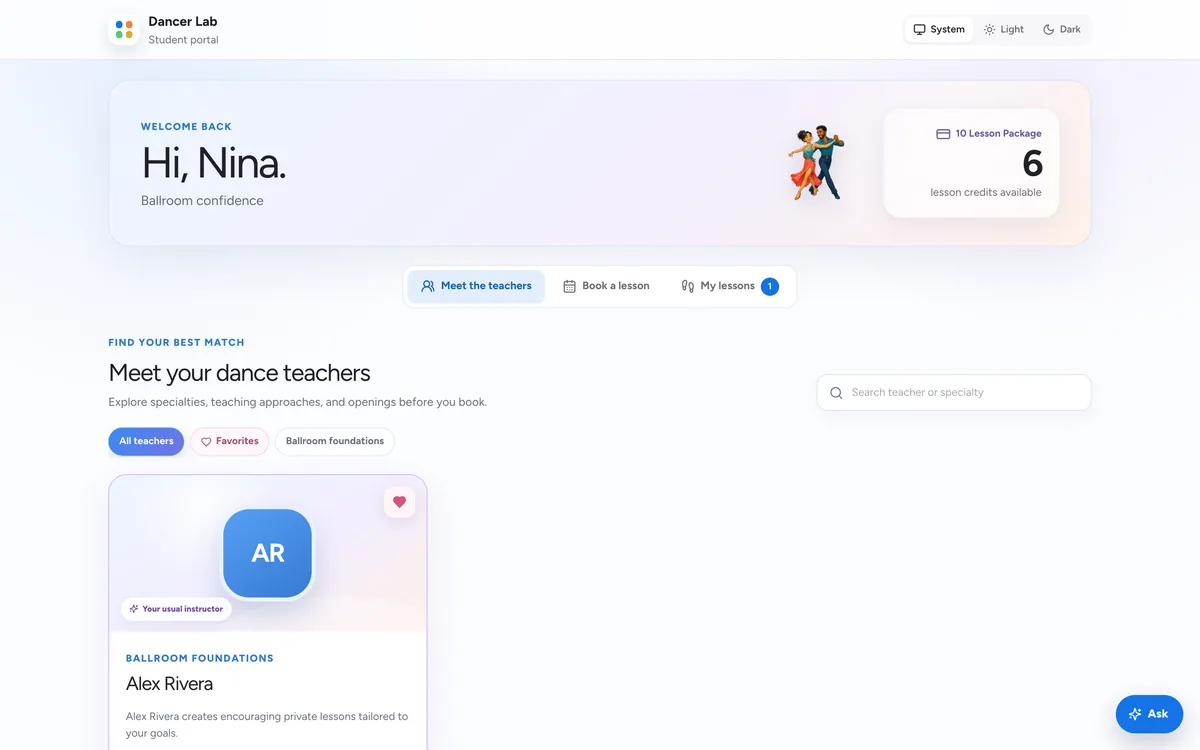
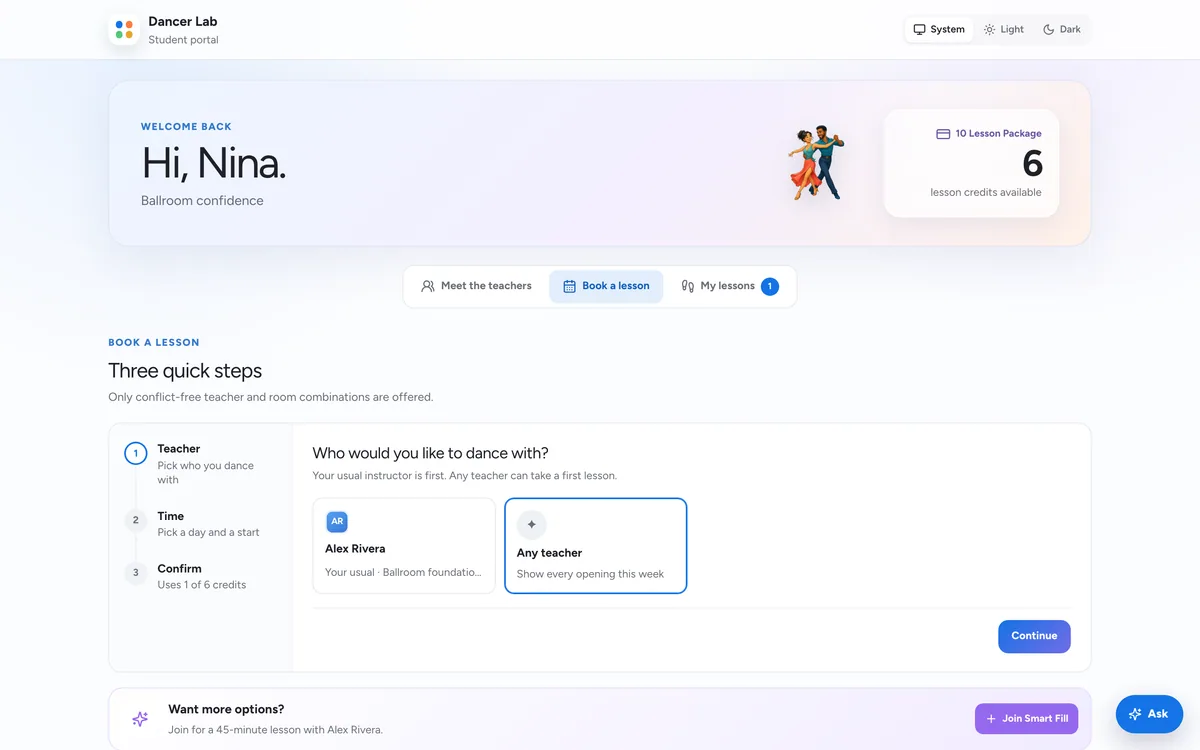
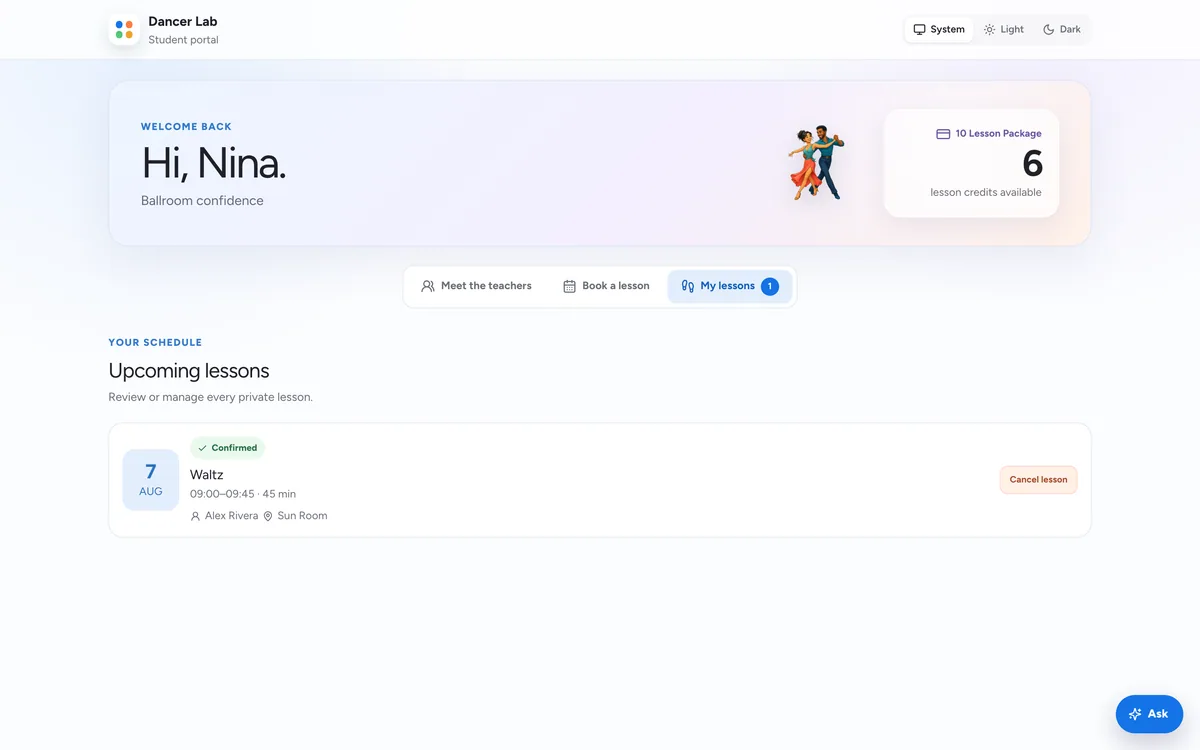
Your students get a free portal of their own. See it from their side.
A personal note after each lesson, ready for your review before it goes home.
Booked value, lessons and hours for the period, against the one before.
Subscribe from Google or Apple Calendar, with privacy controls.
A public page at dancerlab.com/studio/your-name where students find you.
The workspace works in a phone browser; an iPhone app is in beta.
Follows your device, or your own choice.
Solo teachers and dancers pay nothing for their Dancer Lab account.
Free dancer access, sponsored by the World Dance Foundation
Yes. Dancer and Solo accounts are free, sponsored by the World Dance Foundation. A Solo account has no trial to run out and nothing to pay.
No. Their portal is free. The lessons and packages they buy from you are priced by you, and online payments may carry processing and platform fees. Contact us for the fees that apply.
Yes, through Stripe. Students pay for packages and lessons in Stripe’s secure checkout, and the credits land on their record when the payment is confirmed.
Change the workspace type in setup and move to the Studio plan ($49.99/month after a 14-day trial) for teachers, rooms, Studio Pulse and automations. Your students and lessons stay where they are.
No. It answers from your own records, and any change it proposes waits on an approval card until you say yes.
Your students, your week and your booking page, free.